Plugin for Rhino®
Turn Rhino® models into AI renders
Free trial includes 20 free renders (basic model) plus 5 Pro renders with a verified email!
- Download installerV4.1.0, for Rhino 7 & 8
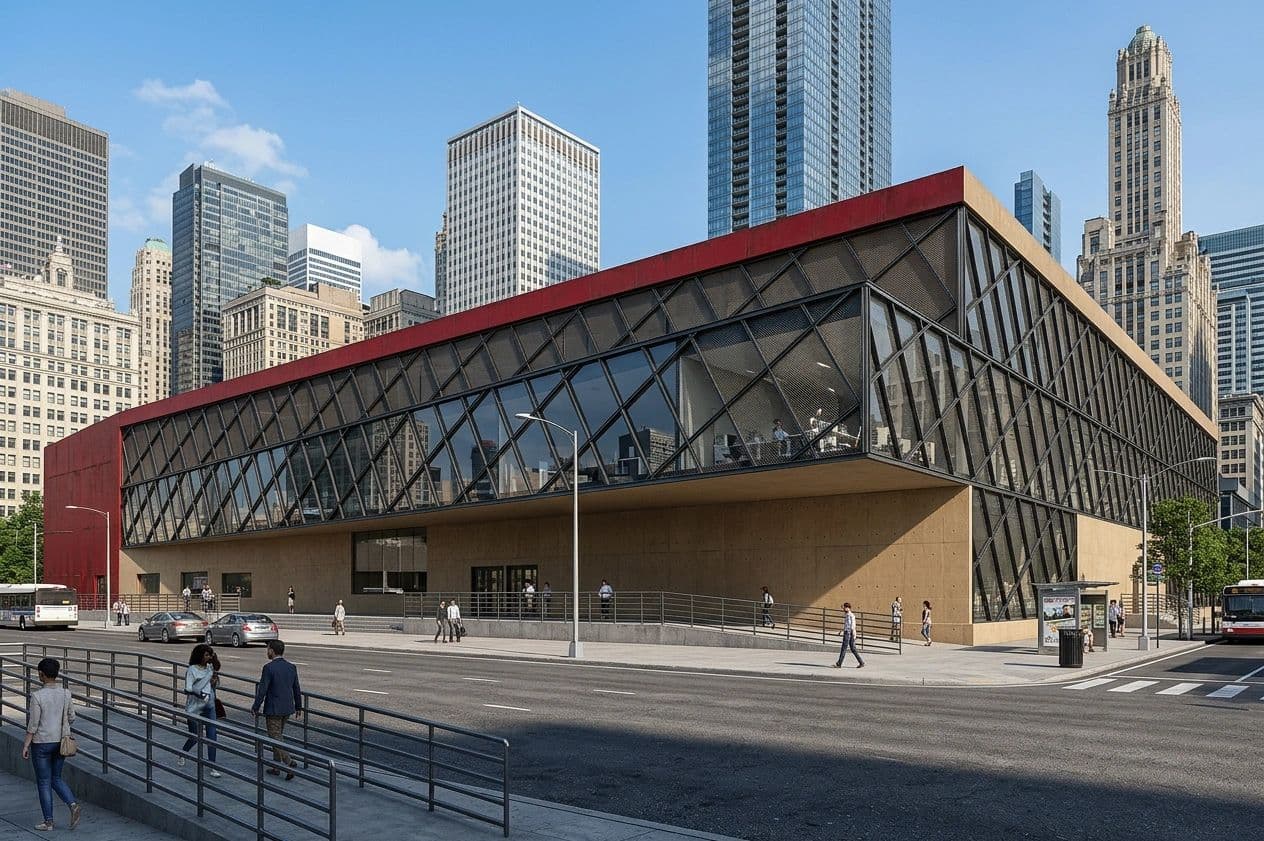
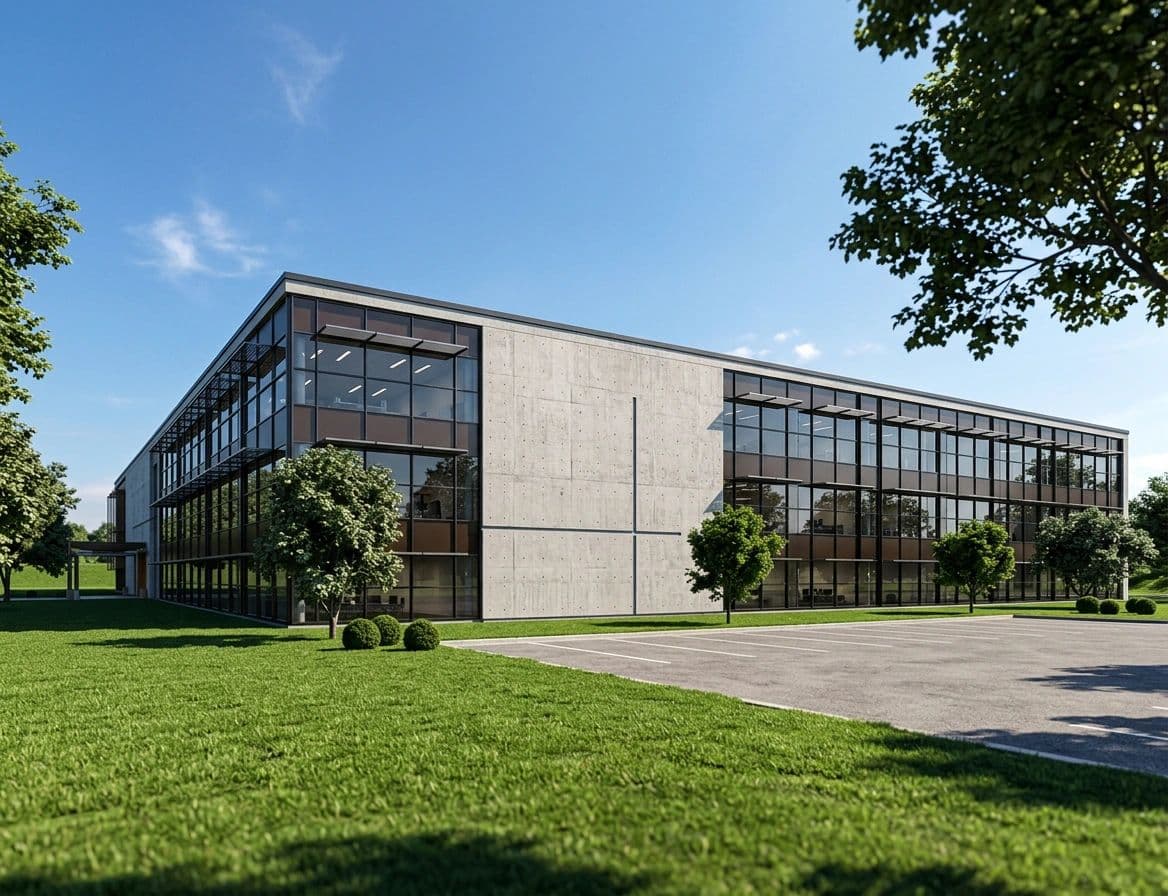
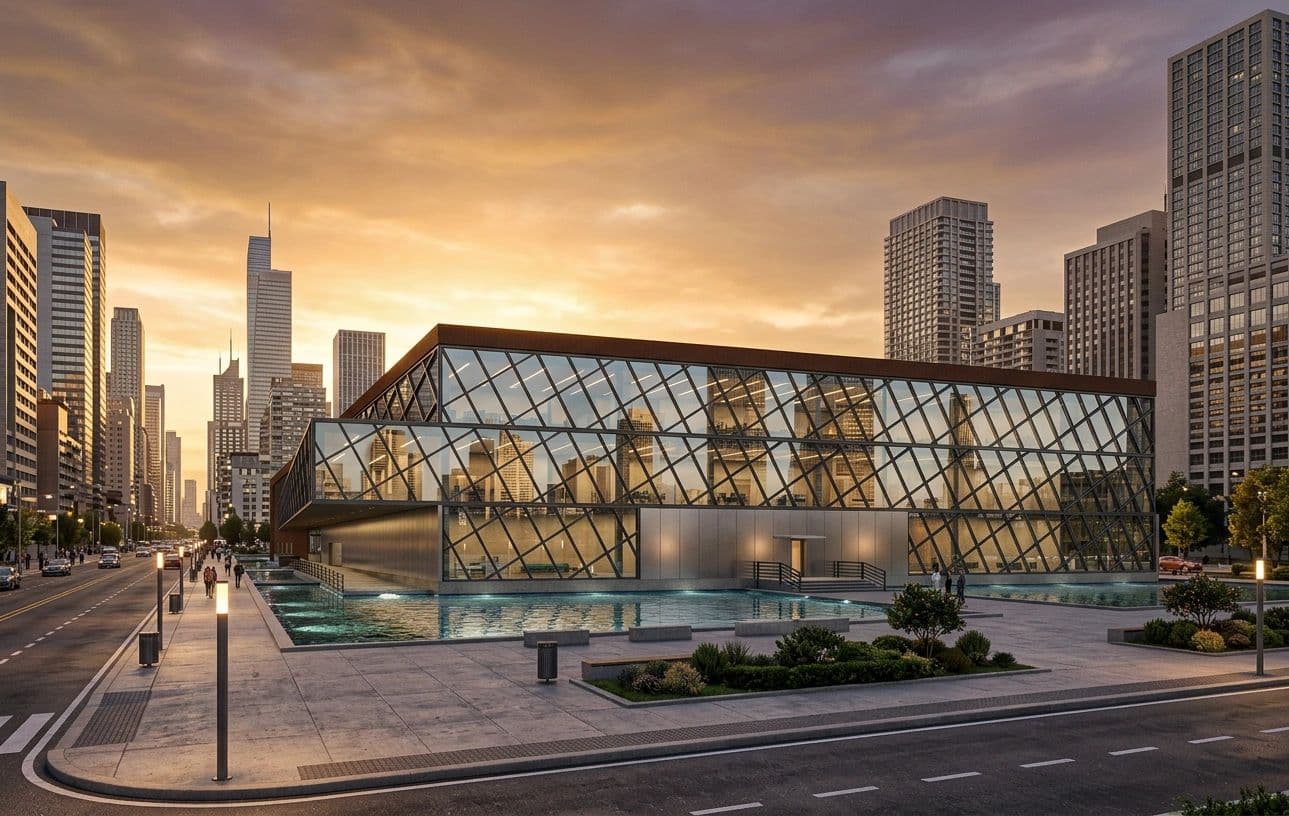
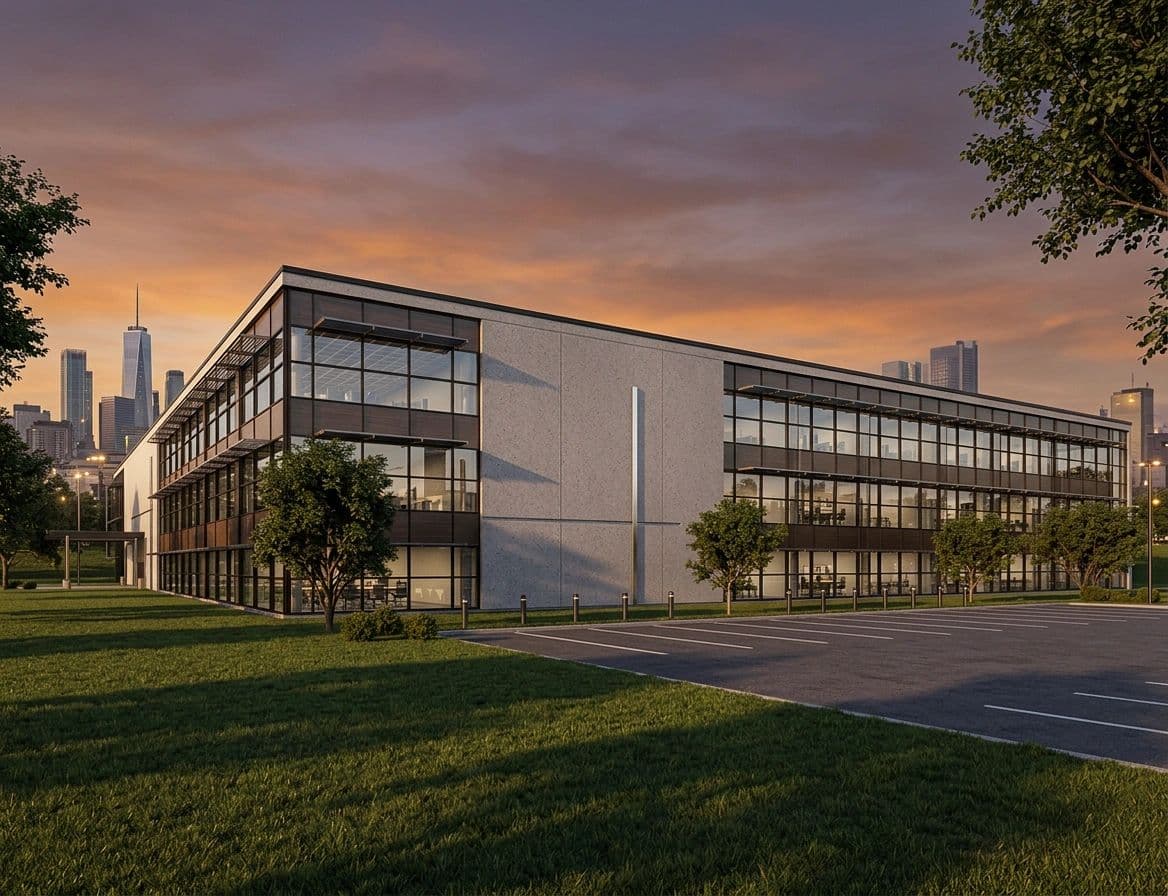
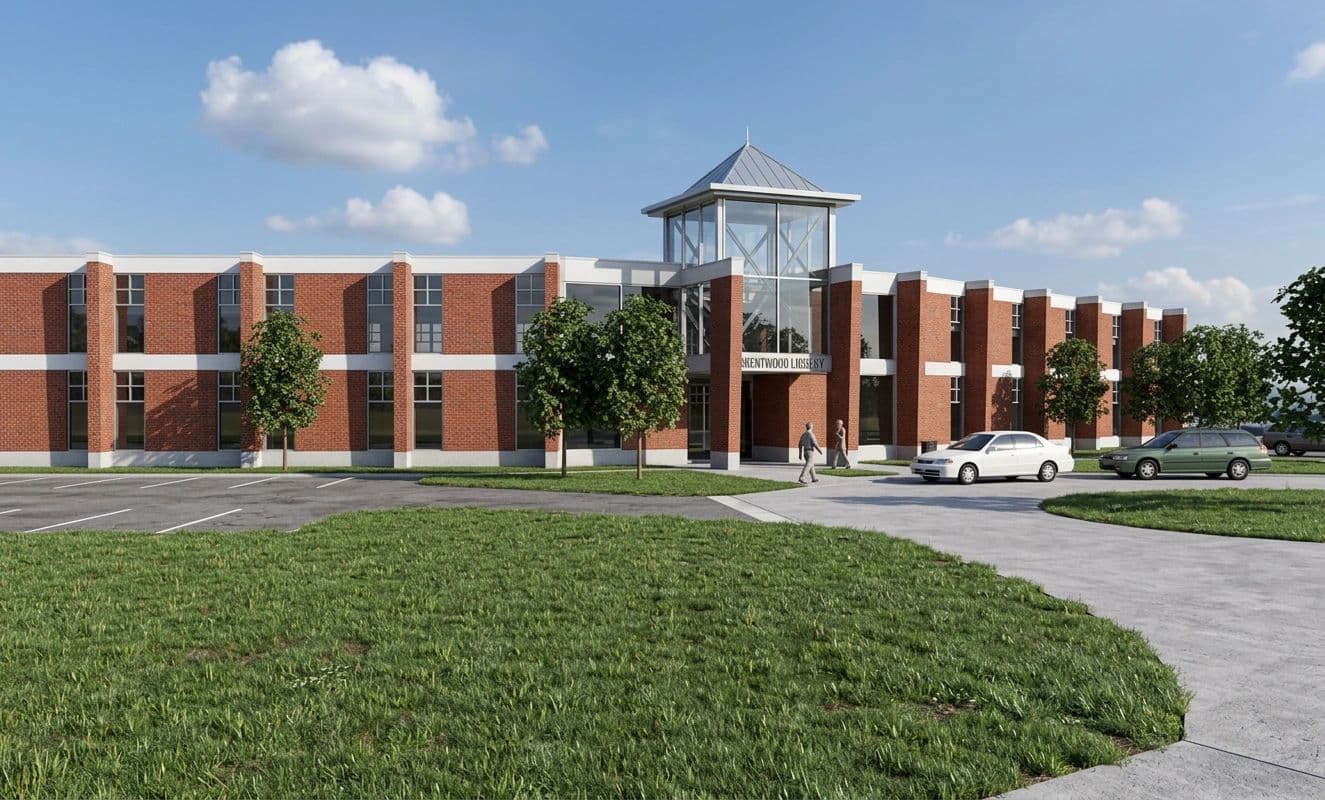
Slide 1 of 4: Rendered civic building
Inside the plugin
ArkoAI in Rhino®
Pick a discipline and style, then generate right from your viewport.
ArkoAI · Rhino®
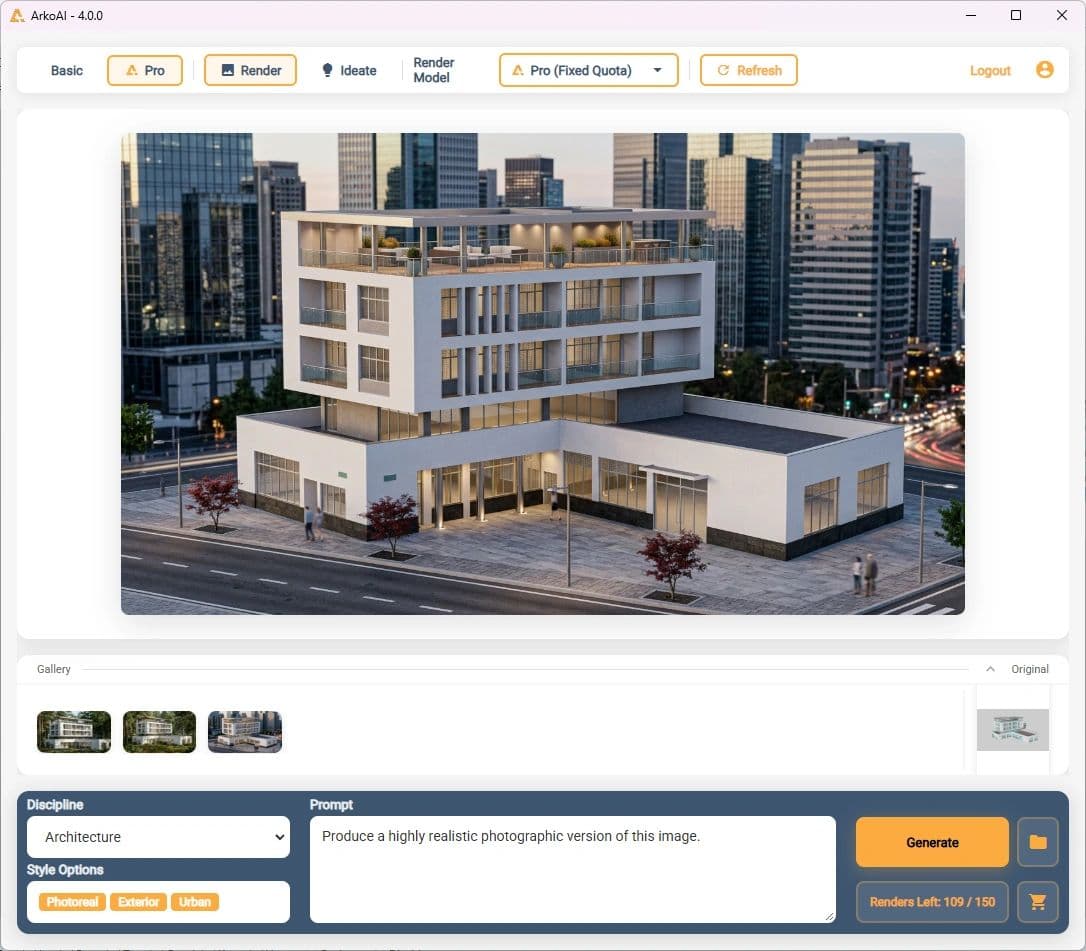
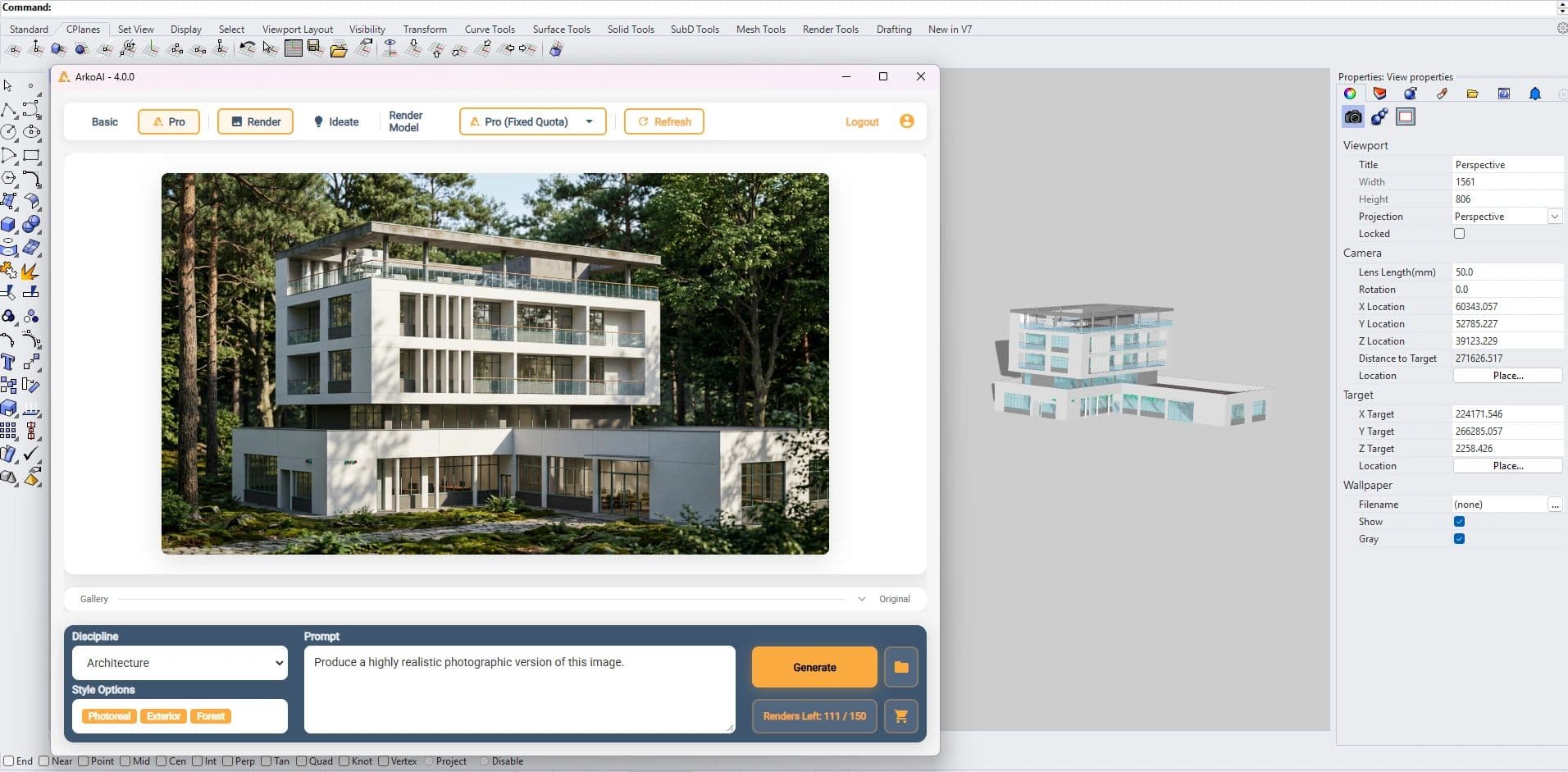
Slide 1 of 2: ArkoAI panel inside Rhino showing a rendered city building
Features
Everything from your active view.
Render directly from Rhino®
Use your active view to render. No exporting, no switching apps.
Discipline and style options
Use different disciplines and styles to steer the output.
Versions
Compatible with Rhino 7 & 8. Available on Windows.
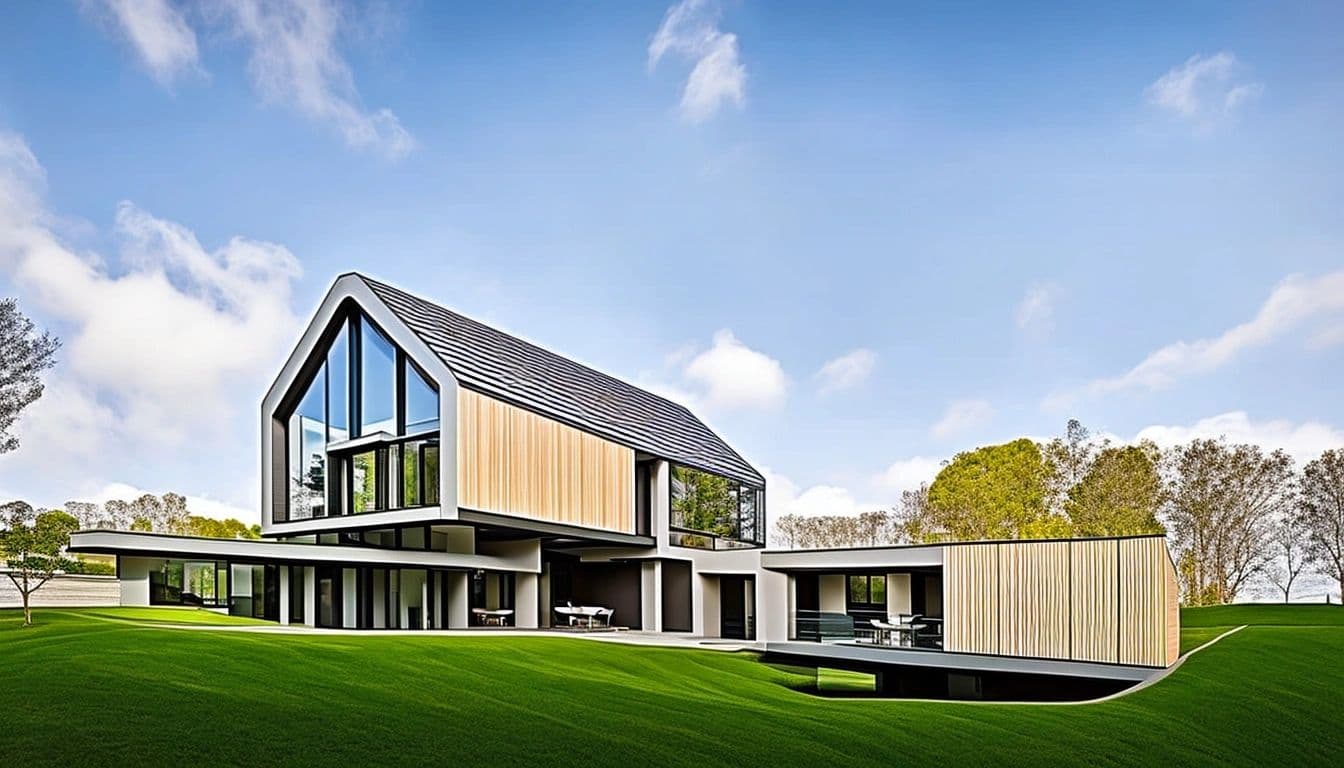
Gallery
Rendered from Rhino®

Quick start
How to install and run ArkoAI on Rhino®
- 1
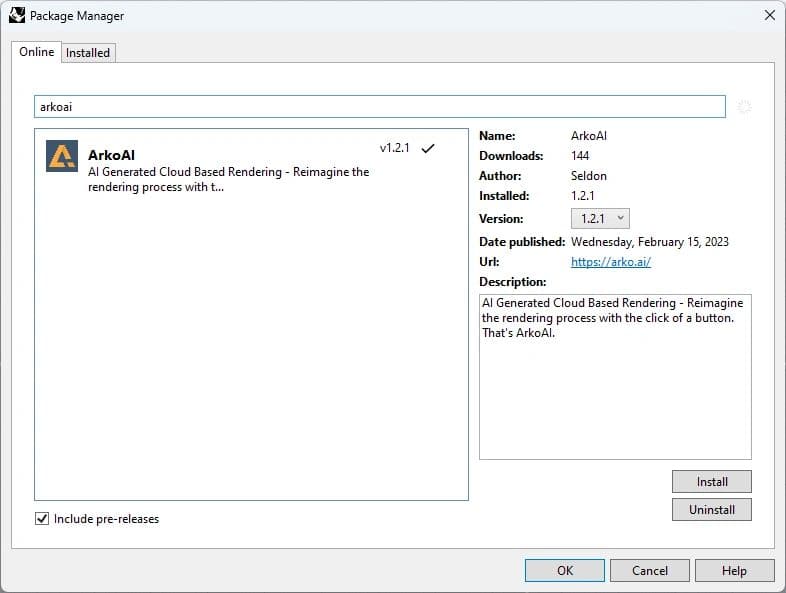
Open the Package Manager in Rhino 7 and search for “ArkoAI”.
- 2
Install it, or use the Download installer button above.
Watch
See it in action.
Basic vs Pro
Pick the model that fits the stage.
Free trial
Basic model
Better for ideation. Quick passes to explore massing, mood and materials.
5 trial renders, then subscribe
Pro model
Geometry retention. Renders that stay faithful to the model you drew.