
AI RENDERING
Reimagine the rendering process with the click of a button. That's ArkoAI.
ArkoAI Studio runs in your browser. No install needed.
Compatible with
Works where you model.
One license covers Rhino3D, SketchUp, Revit and Studio.
In your viewport
Render without leaving your model.
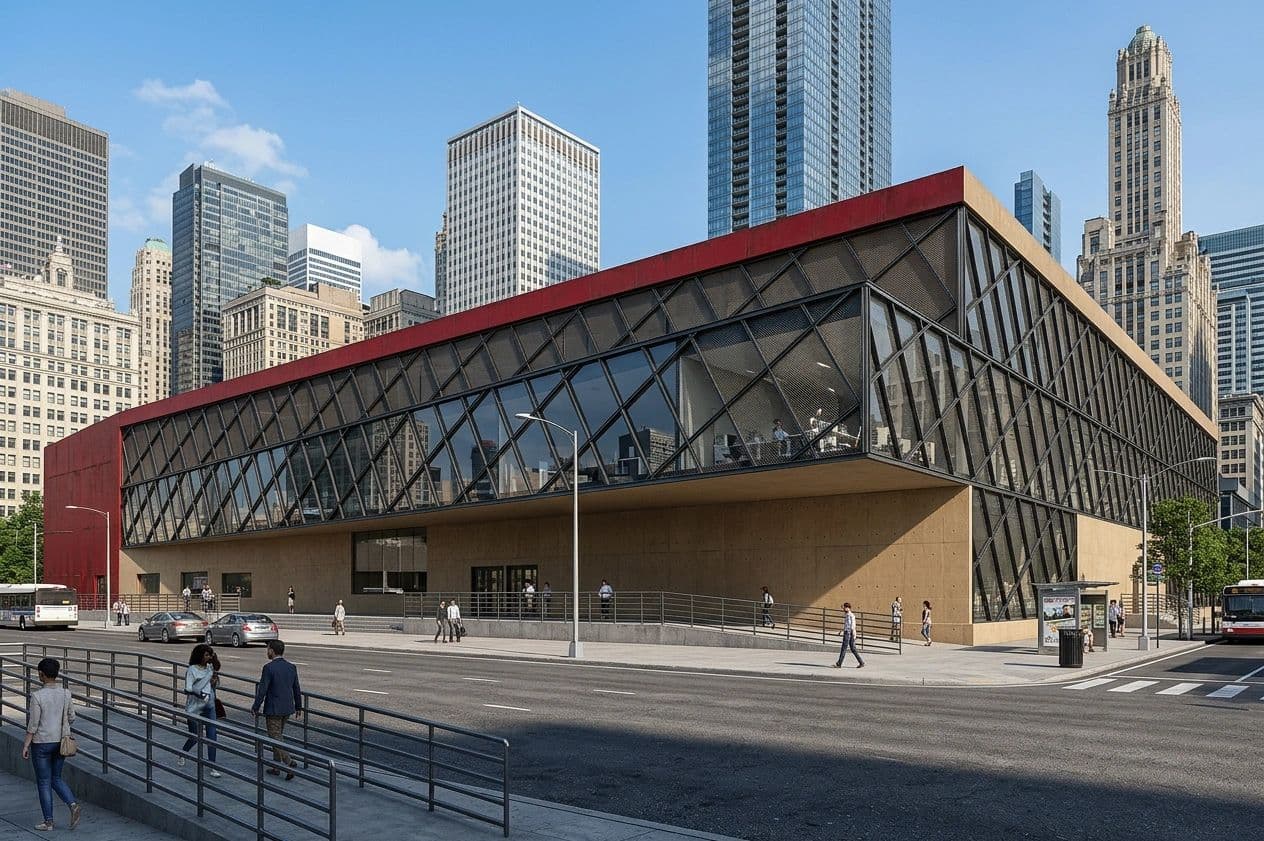
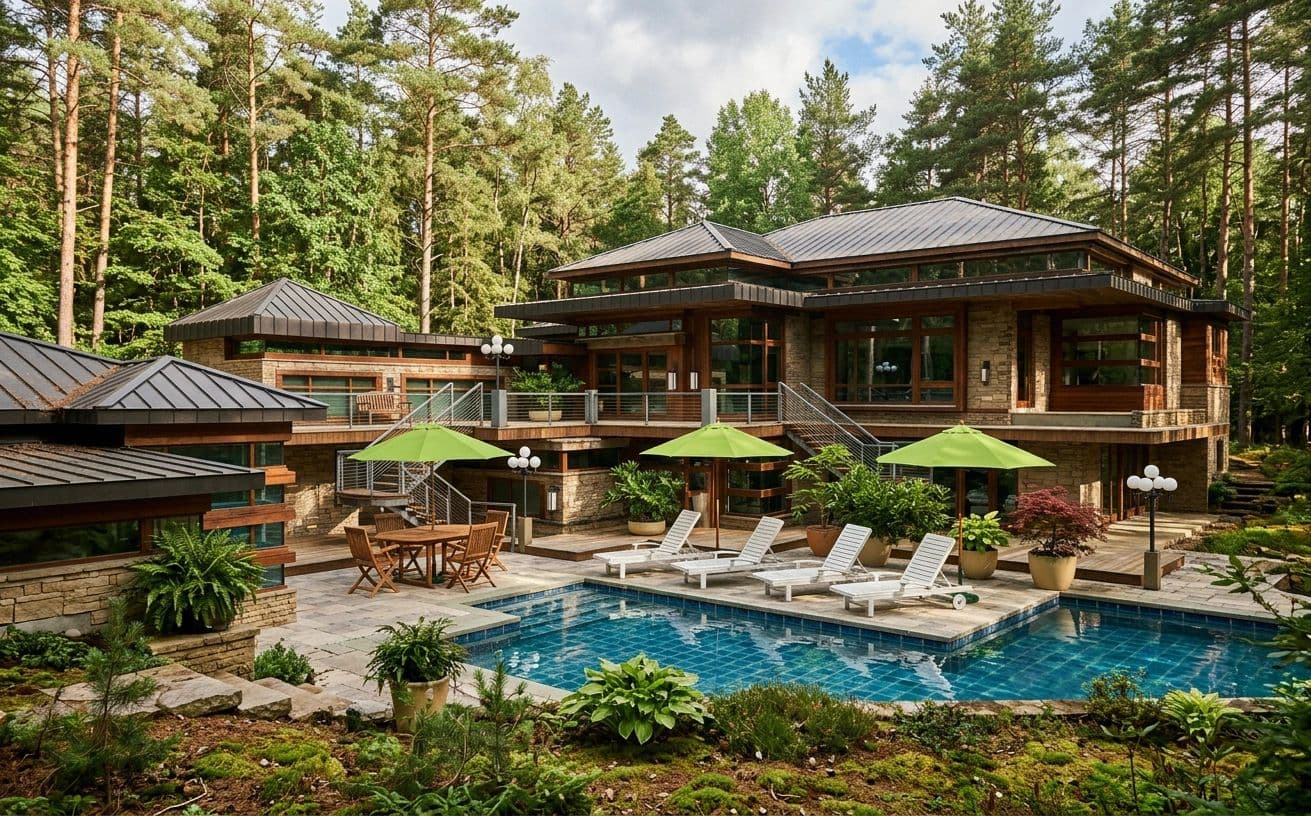
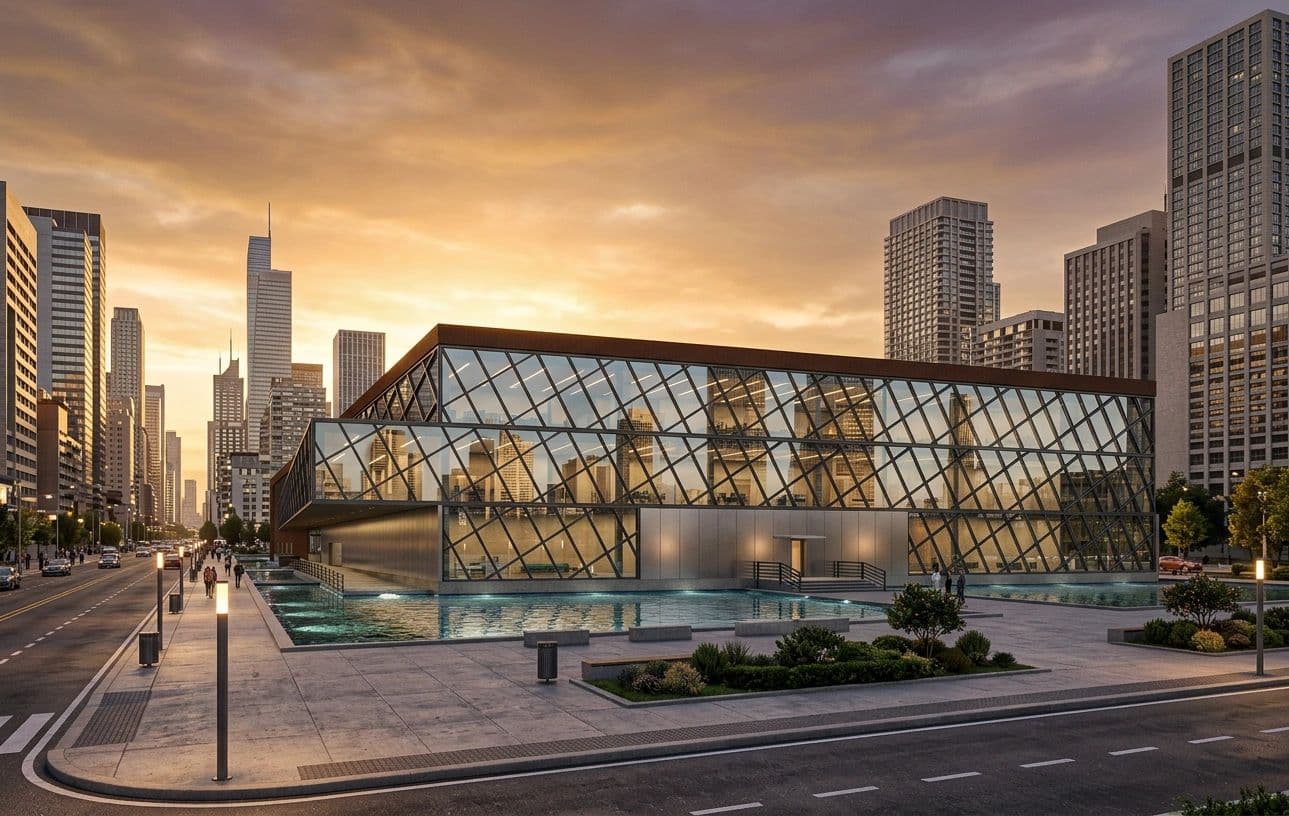
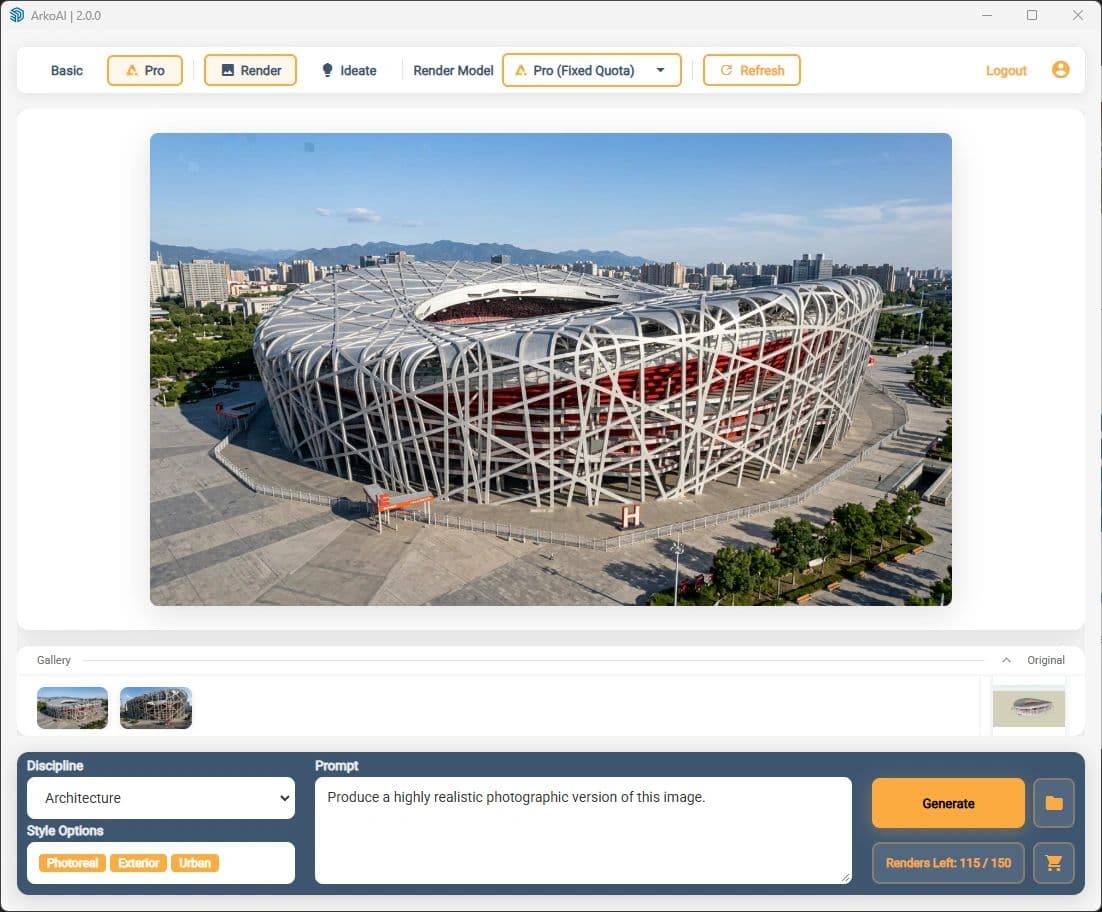
ArkoAI lives inside Rhino, Revit and SketchUp. Pick a discipline and style, press Generate, and the active view comes back as a finished render.
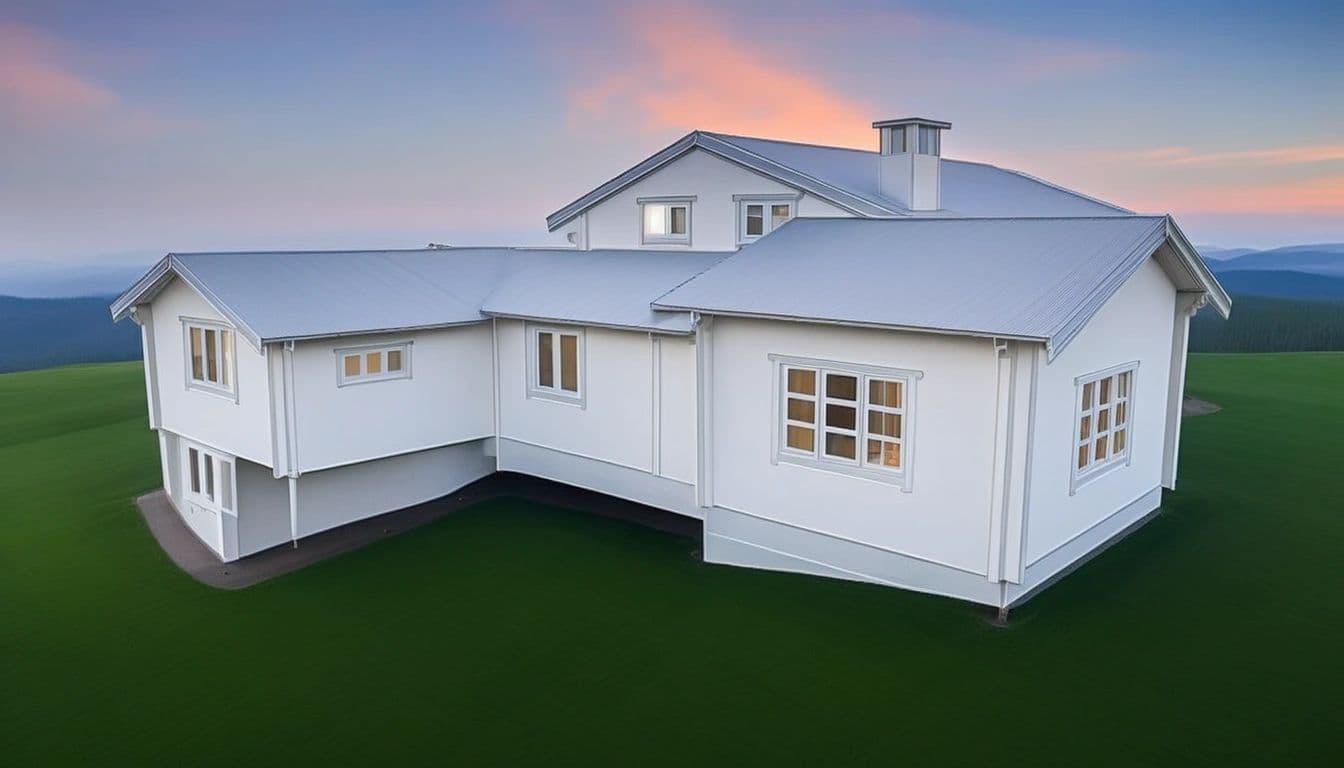
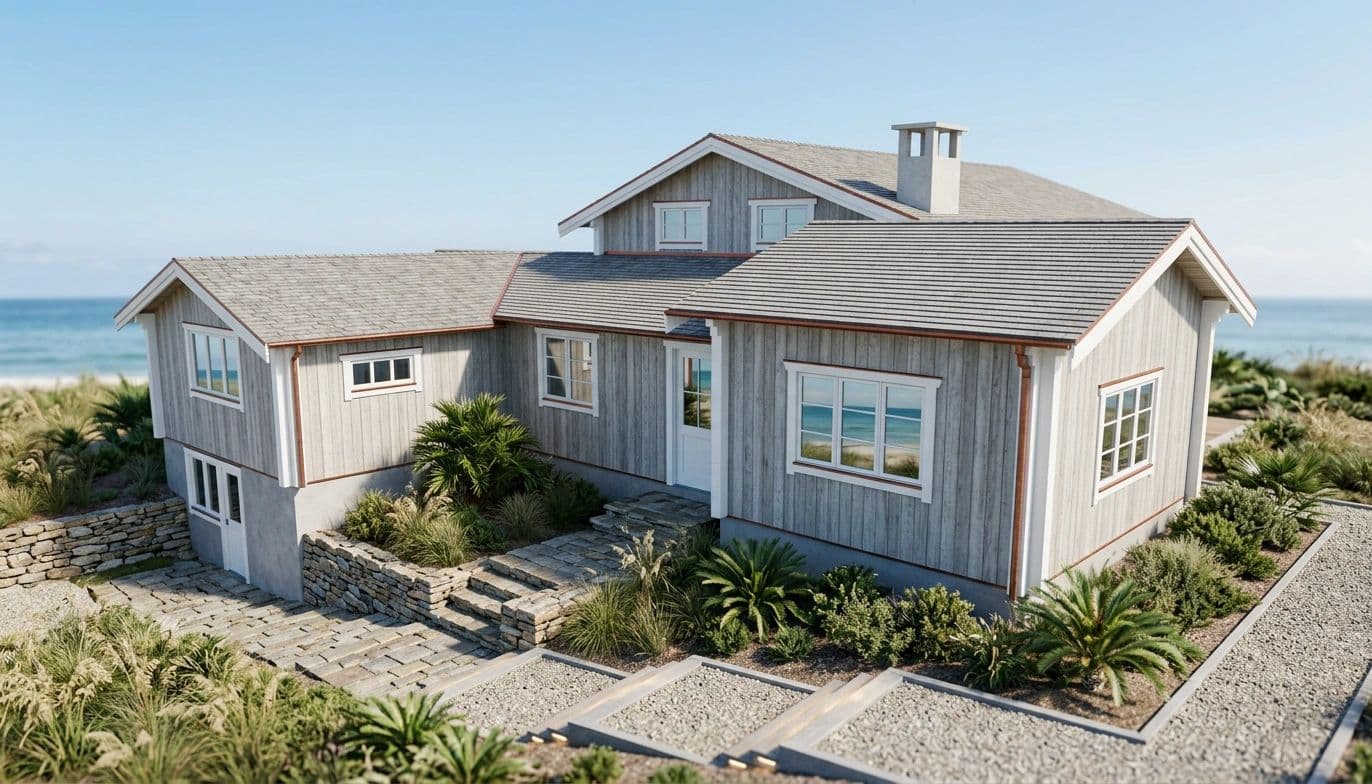
Your model
ArkoAI render
In your browser
No plugin? Upload a capture.
ArkoAI Studio runs in your browser, with nothing to install. Drop a screenshot of any model into it, choose your options, and get a render back in the same place.
How it works
Three clicks from model to render.
- 1
Frame the view
Orbit your model in Rhino, Revit or SketchUp until the shot is right.
- 2
Choose a style
Pick a discipline and style options to steer the mood of the render.
- 3
Generate
One click. ArkoAI renders the active view and hands the image back.
Gallery
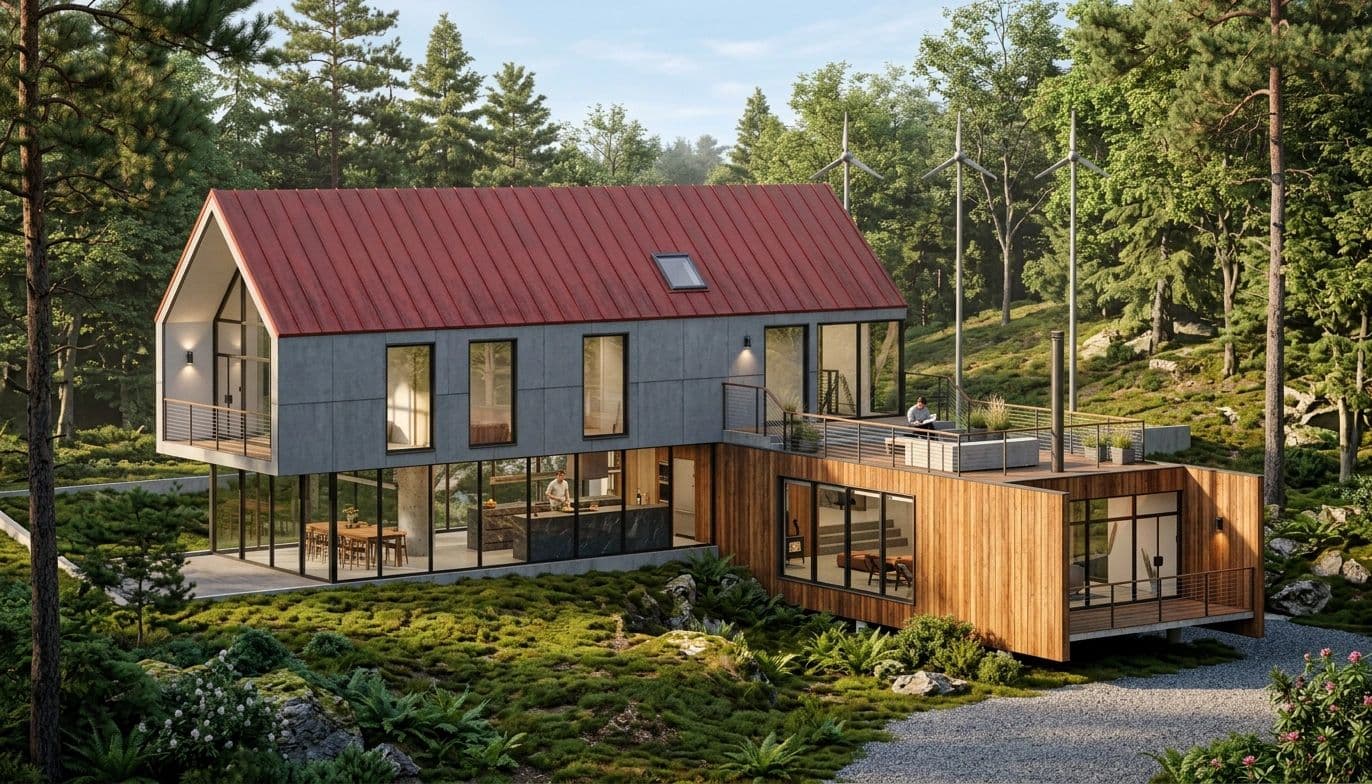
Made with ArkoAI.

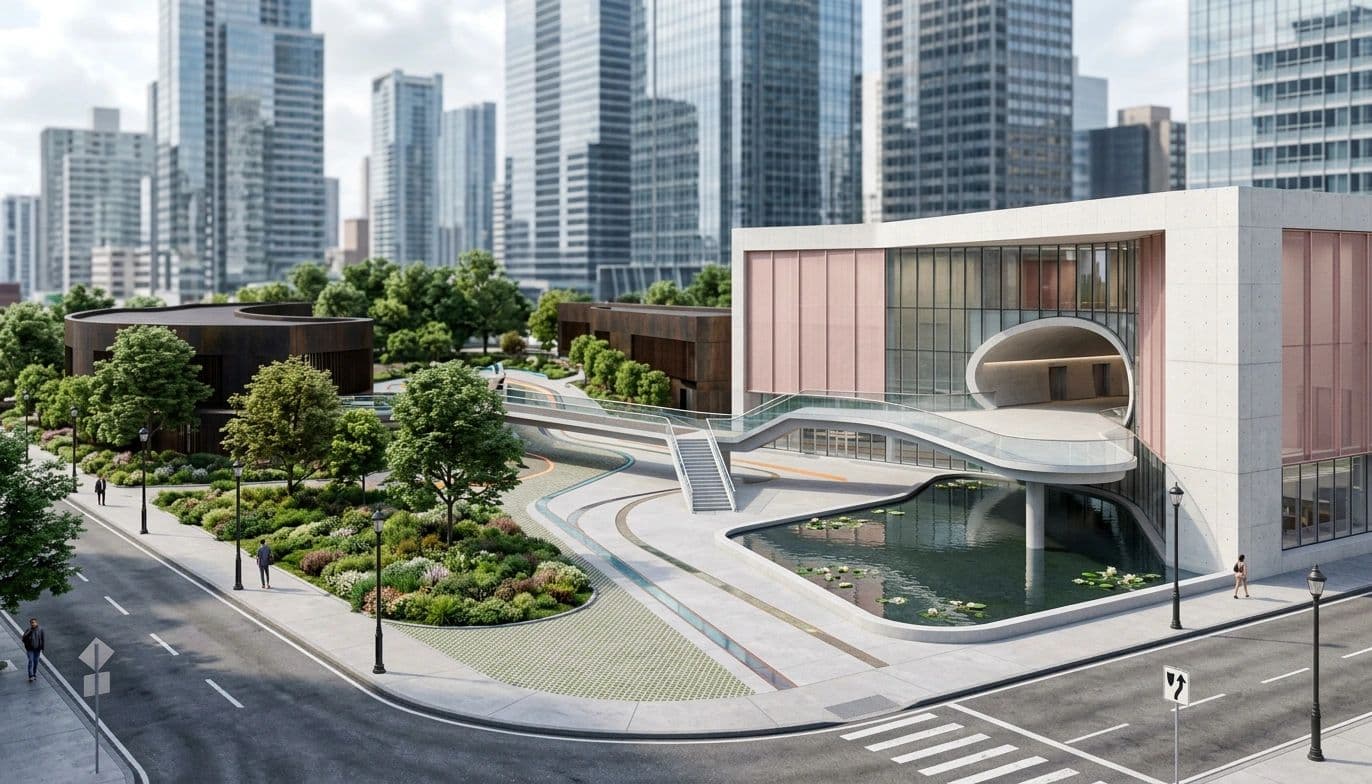

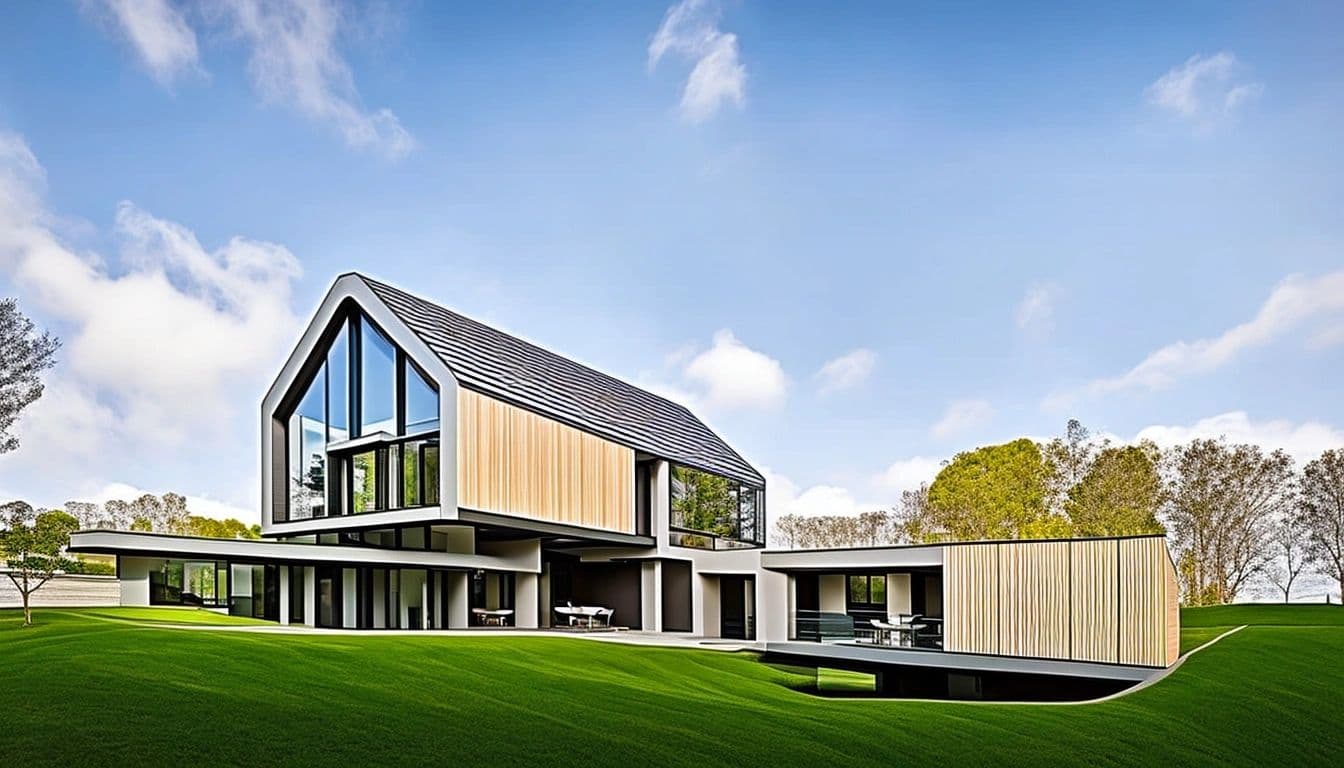


Basic vs Pro
Start free. Go Pro when it counts.
Free trial
Basic model
Better for ideation. Quick passes to explore massing, mood and materials.
5 trial renders, then subscribe
Pro model
Geometry retention. Renders that stay faithful to the model you drew.
Render your next view in one click.
Start with 20 free renders on the basic model, plus 5 Pro renders when you verify your email.